
Trusted by






Save your time by updating all PCs in the venue within a few clicks. With SENET Boot, you can easily install games and software on all venue PCs at once. Just download the required software or games to the server PC, reboot the client computers, and in a couple of minutes, the updates will be available on all PCs in your esports venue.
Our diskless system reboots client computers after each customer, restoring the original image of the system. With diskless, ‘Remember me’ button is disabled across all gaming launchers and browsers, protecting customers’ sensitive data. Also, any changes within the computer system are rolled back, including edited system files and malware installations
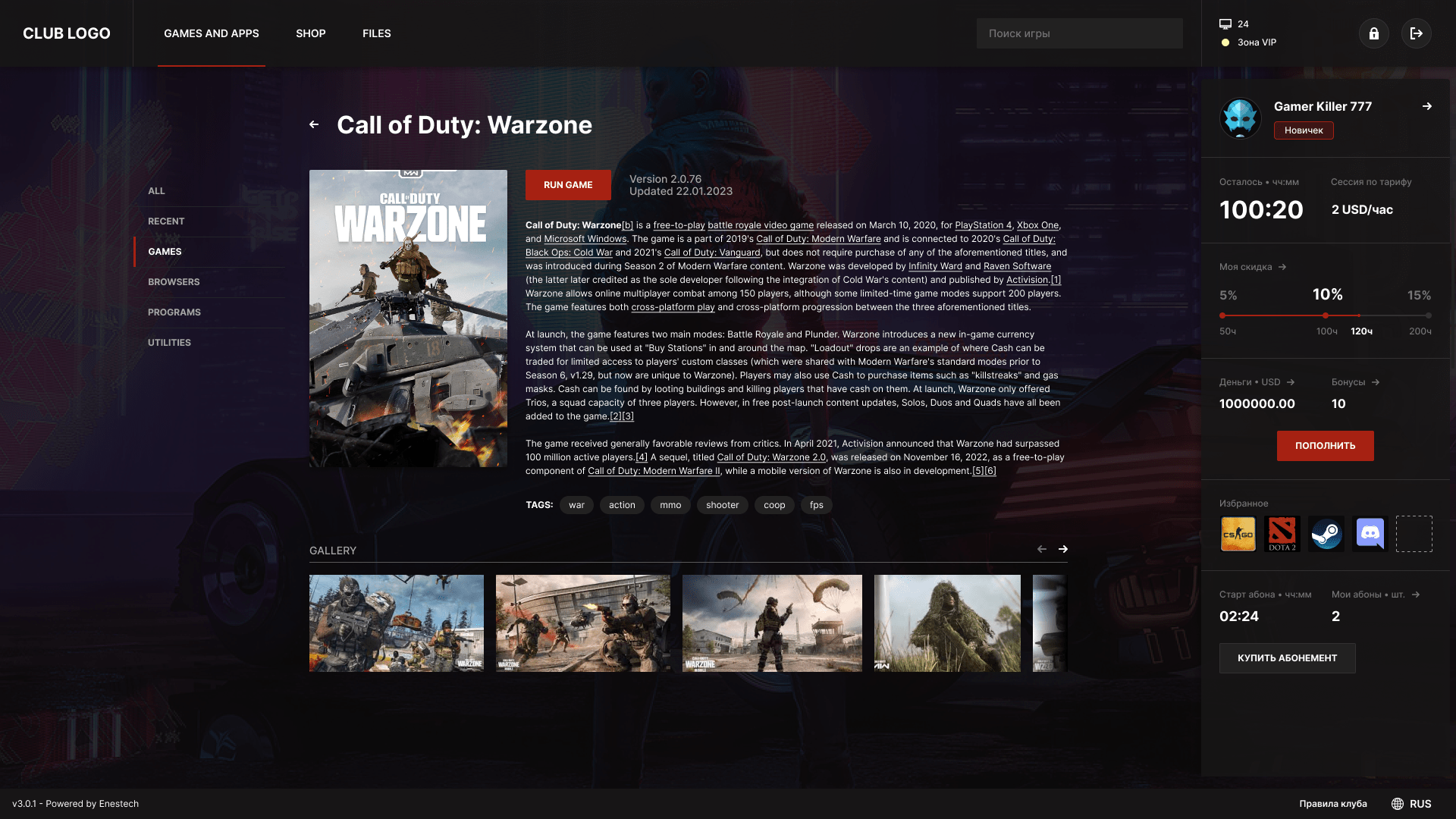
SENET Boot is integrated with SENET management software for net cafes and esports venues. Together they combine into a complete ecosystem for automation that ensures uninterrupted gaming for customers and untroubled workday for staff
Find out about great possibilities that SENET Boot opens for your gaming center
Talk to usFor venues that value time

Turn hours of updates into minutes with SENET Boot
01.
Game patches become heavier and usually require a lot of time to be installed on each computer. Install them once on the server PC via SENET Boot, while client computers will run on a copy of server PC system

Make changes in the background
02.
You don’t have to close for a maintenance break to make changes in the system of client computers. Do it all on one PC and reboot all client machines later

Save money on memory expansion and SSDs
03.
Out of all computers, the server PC is the only one that has physical drives to store data, including operational system, games, and software installed

Enhance security of computer systems
04.
Changes done to files and folders of client computers will not have any effect, moreover – they will be erased after reboot. You are protected from mischievous customers and sneaky malware

Automate tedious Windows installation
05.
Windows is installed on a computer once, without USB-dongles, remotely. After the process, a virtual image of Windows is ready to appear on all client computers without any additional work from your side

Monitor your equipment effortlessly
06.
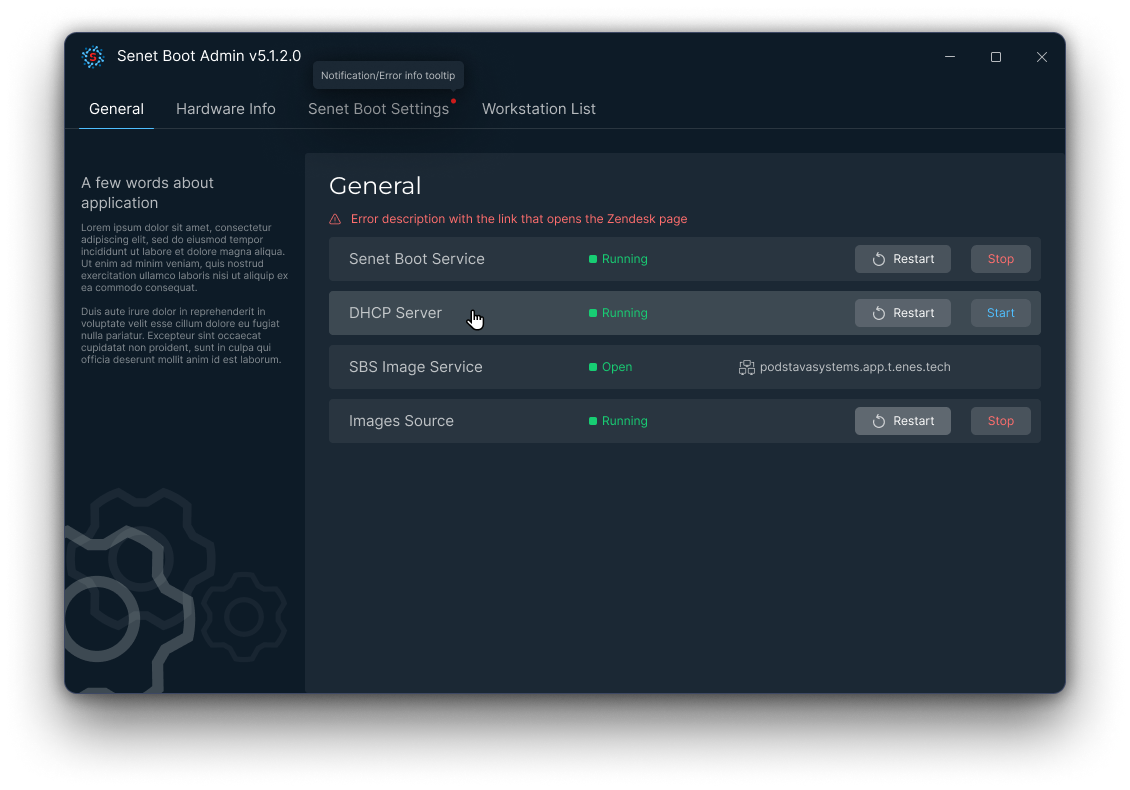
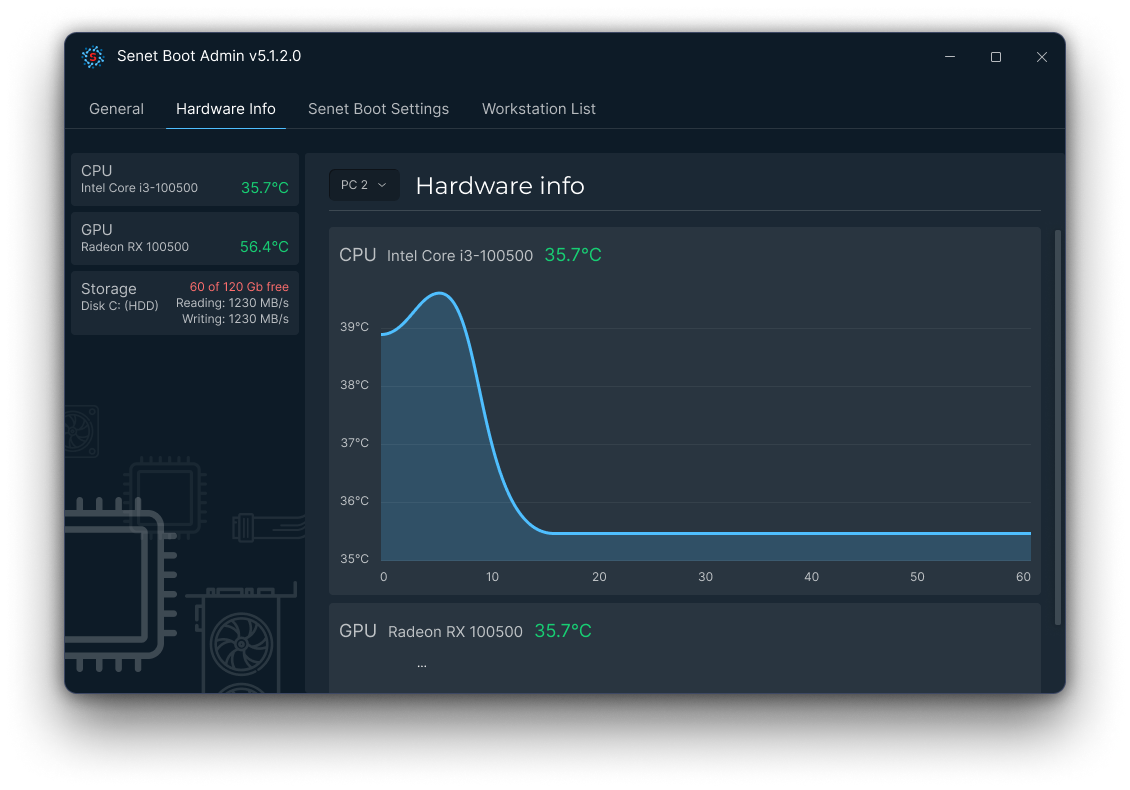
SENET Boot comes with a built-in tool that checks CPU and GPU of all computers for overheating. You’ll be able to prevent wear-out of equipment and nip it in the bud
Our team does all necessary configurations, so that SENET Boot works flawlessly at your gaming venue
Create Windows images for client PCs
Set up all parameters in SENET management software
Register paths for writebacks and images
Configure virtual images for the entire venue or for separate gaming zones with additional local cache parameters
Set up disks for games and applications with configurations of local cache
Configure DHCP settings with dynamic IP addresses
Arrange boot files for each venue of big gaming chains and franchises
“
I like the fact that I can follow business remotely. I'm always on business trips, on the go, but I can just get my phone and check in real time how things are going, how many people are in the club now, what they're playing, how things are with the proceeds – all of this is very important to me."
Umar Shodiev
Co-Founder at DZZRT“
"Great customer service and product meets our needs"
Adam
Director of Esports“
"SENET is all-in-one. For me, this is a plus"
Vit
Administrator“
"SENET is the best option for us"
Imane B
Marketing Business Development Manager at United Gaming Club
More solutions to explore
More solutions to explore

More solutions to explore